The best portable photo printers balance the print size and finish you want with how much equipment you are willing to carry. This guide compares pocketable Zink models with compact dye-sublimation printers, so you can choose between sticky snapshots and more traditional photo prints.
Quick Top Products
KODAK Mini 2 Retro

- Uses 4PASS dye sublimation with a protective lamination layer.
- Connects to iOS and Android through Bluetooth and the Kodak app.
- Includes 38 sheets and four cartridges.
Best For: Travelers and scrapbookers who want laminated, credit-card-size prints and a starter supply of paper.

KODAK Step Instant Photo Printer

- Prints 2-by-3-inch adhesive-backed photos using Zink paper.
- Supports Bluetooth or NFC connections to iOS and Android devices.
- The rechargeable battery is rated for 25 photos per full charge.
Best For: Crafters and travelers who want pocket-size adhesive photos with phone-based editing.
Liene Pearl K100
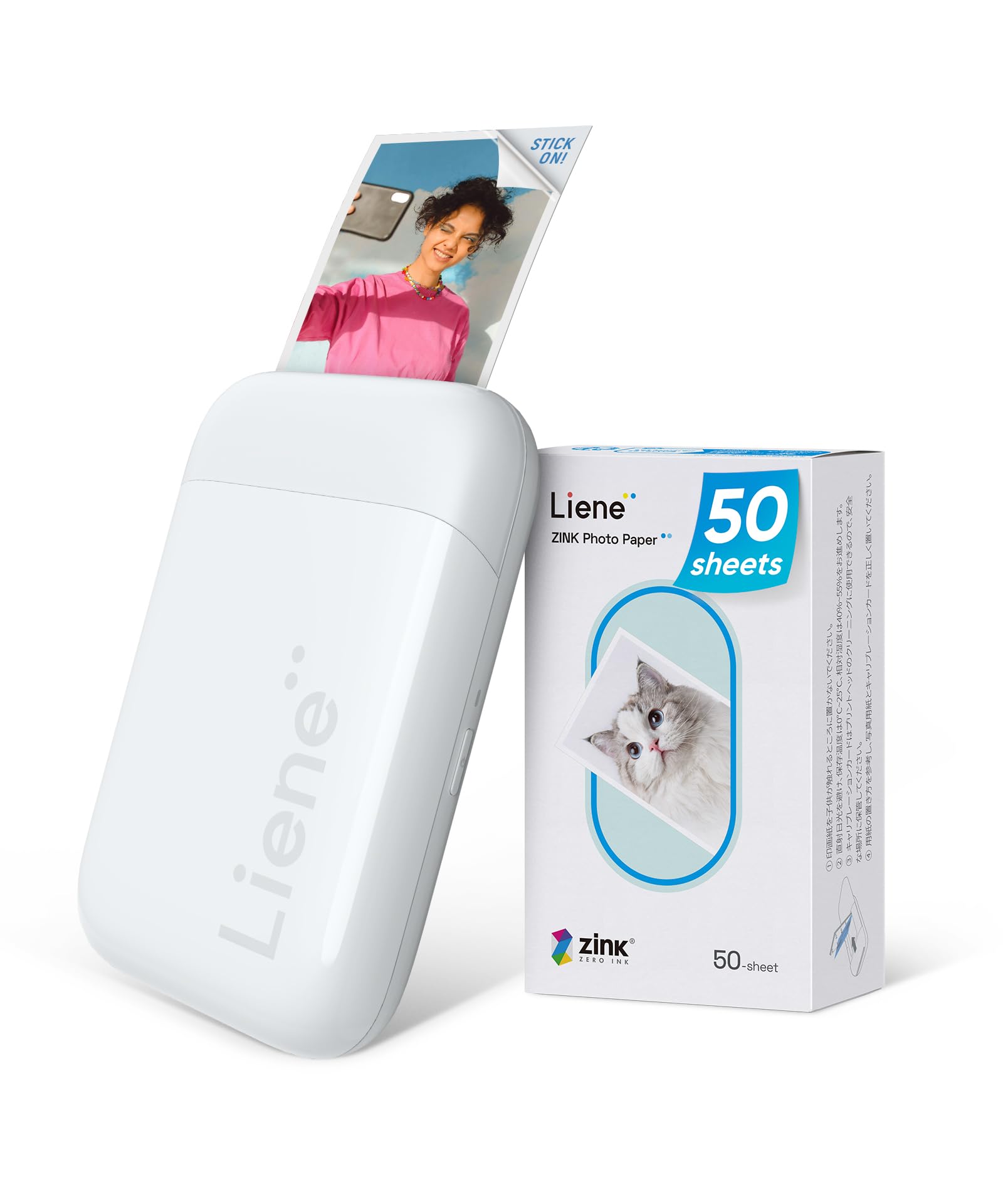
- Includes 50 sheets of 2-by-3-inch Zink adhesive paper.
- Connects to iOS and Android using Bluetooth 5.2 without Wi-Fi.
- Printing runs through the Liene app.
Best For: Phone users who want a compact Zink printer bundled with extra adhesive paper for outings.
HP Sprocket Select

- Prints 2.3-by-3.4-inch photos from iOS and Android devices.
- Uses Zink sticky-backed photo paper without toner or ribbon replacements.
- The app offers frames, filters, and custom sticker tools.
Best For: Travelers who want pocket portability but prefer prints larger than standard pocket stickers.
HP Sprocket 2x3 (Blush Pink)
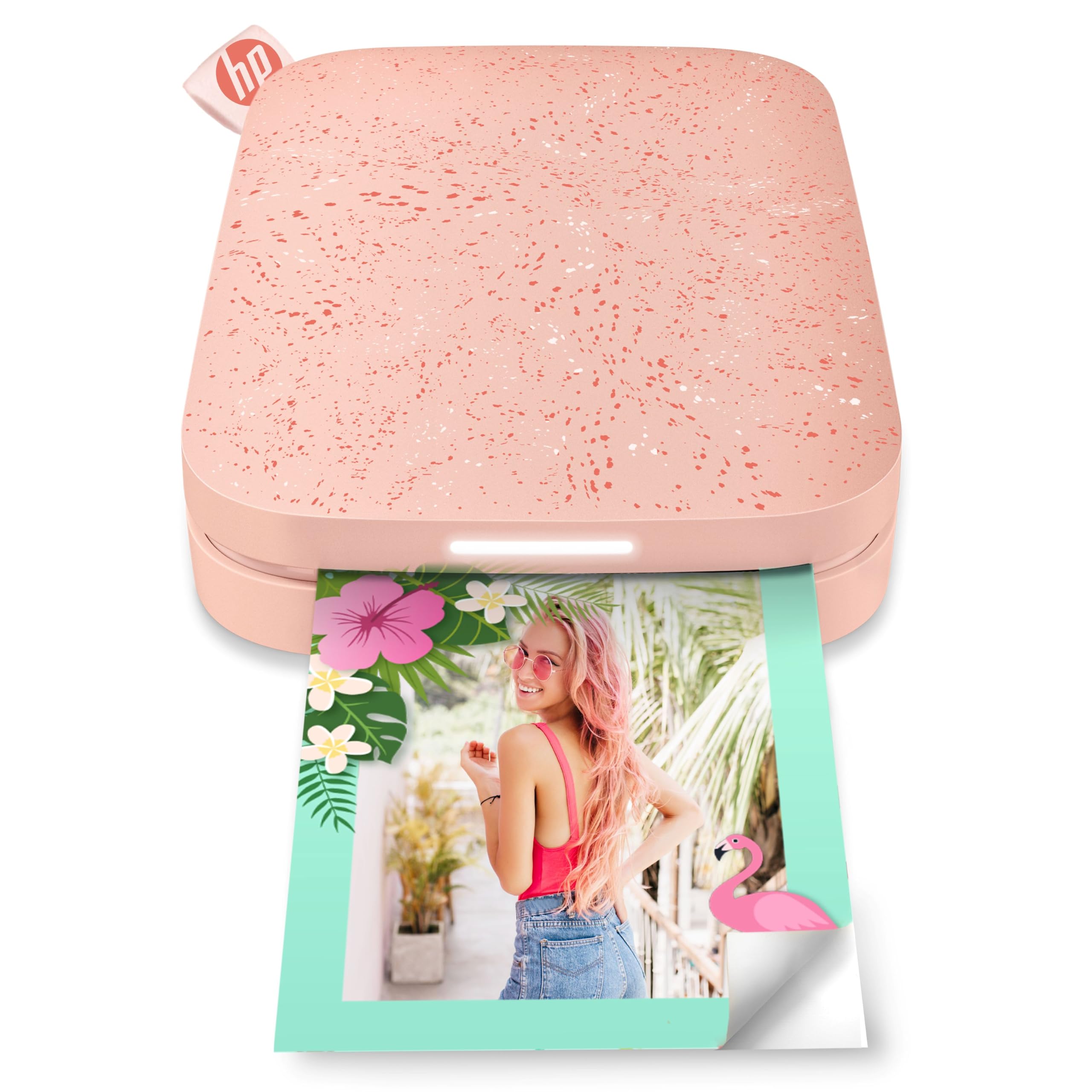
- Connects multiple devices for shared printing.
- An LED light shows whose image is printing.
- Includes 10 sheets of peel-and-stick 2-by-3-inch Zink paper.
Best For: Friends and families who want a compact printer for passing around and sharing small prints.
Liene Pearl K100 (Green)
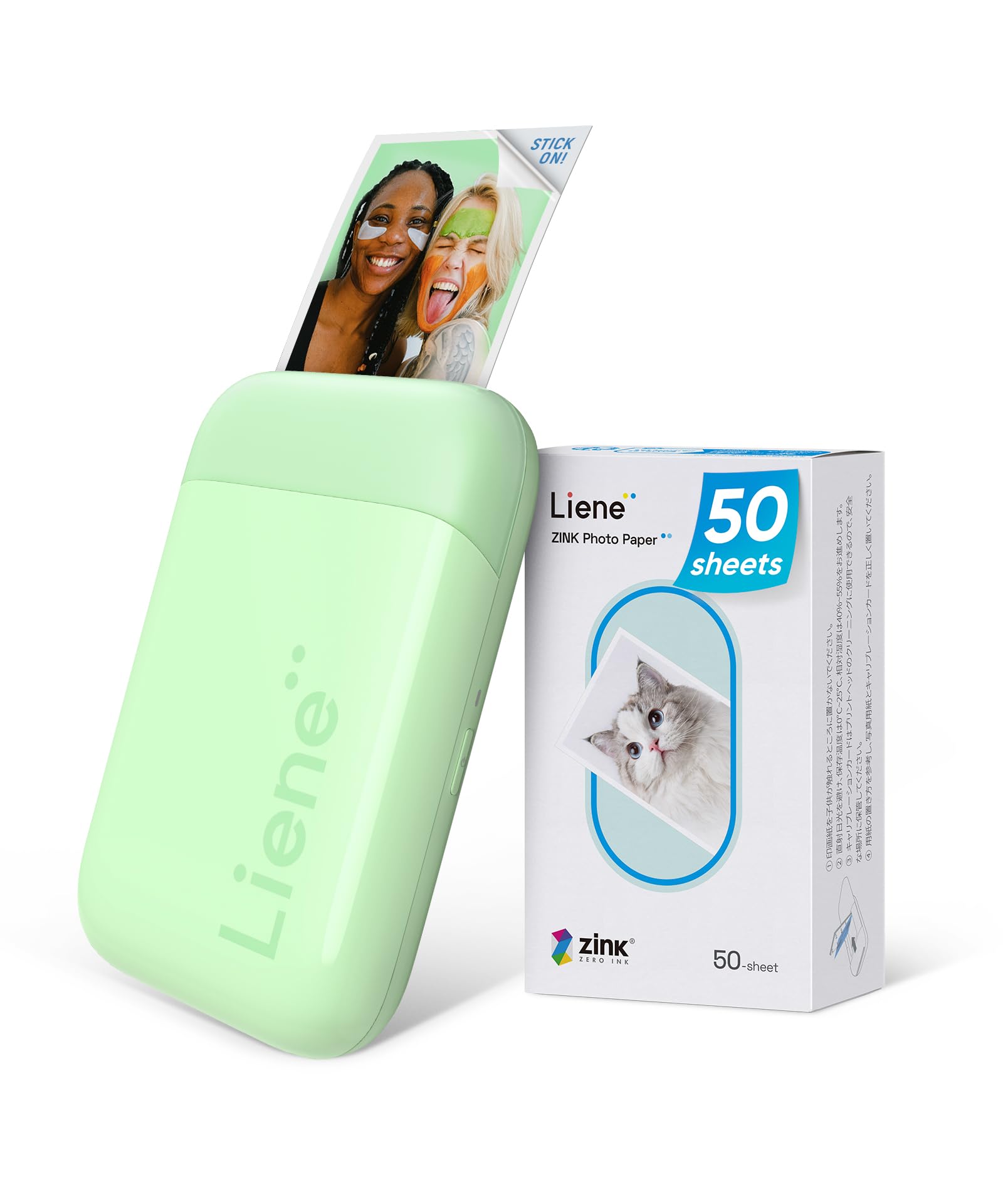
- The printer weighs 0.4 pounds and is described as power-bank sized.
- Includes 50 sheets of 2-by-3-inch color photo paper.
- Connects to iOS or Android using Bluetooth 5.2.
Best For: Phone users seeking a light, pocket-size printer for 2-by-3-inch adhesive photos.
KODAK Mini 3 Retro
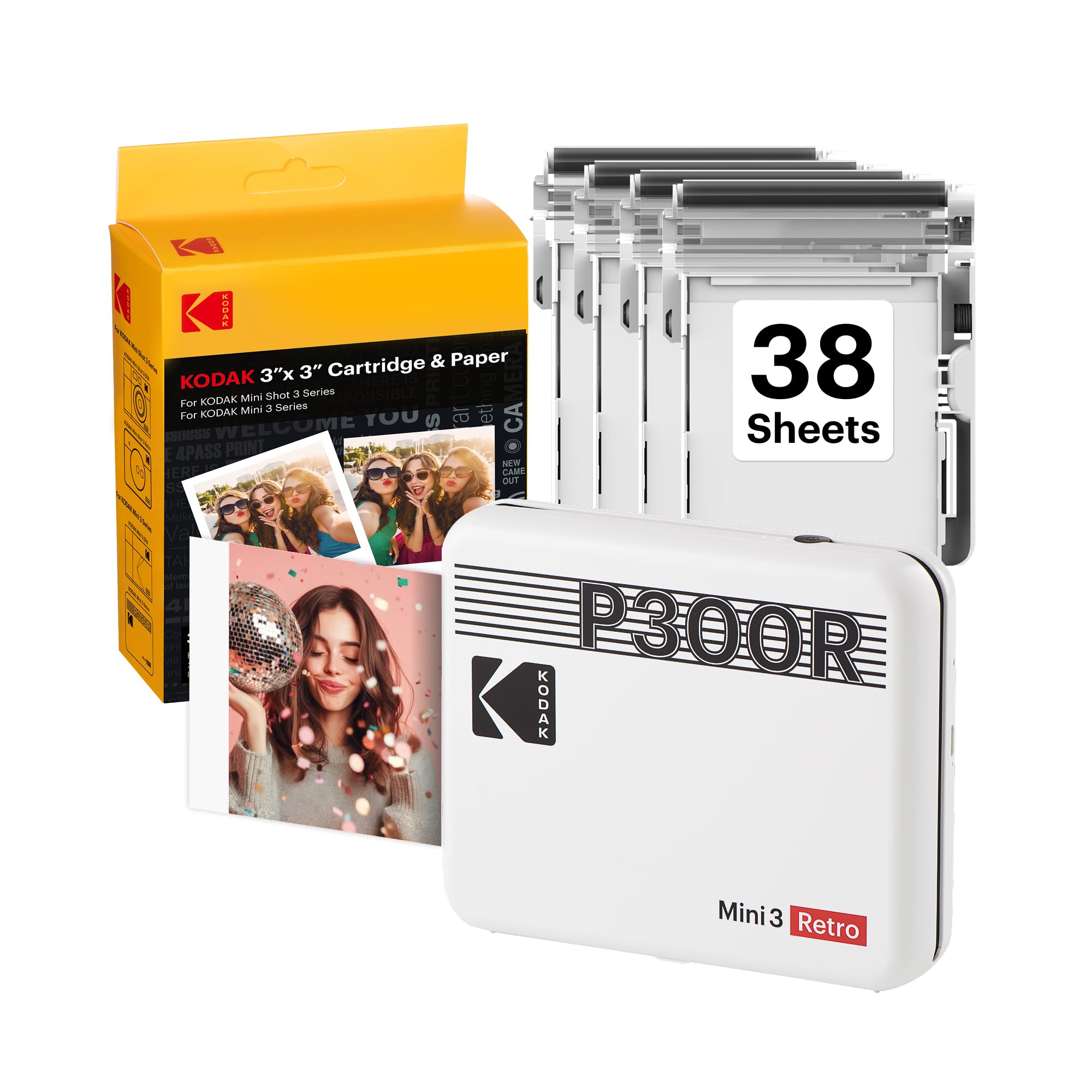
- Uses 4PASS dye sublimation with a protective lamination layer.
- Produces compact square prints for albums and scrapbooks.
- Includes 38 sheets and four cartridges.
Best For: Scrapbookers who want portable square prints with a protective laminated finish.
HP Sprocket 3x4
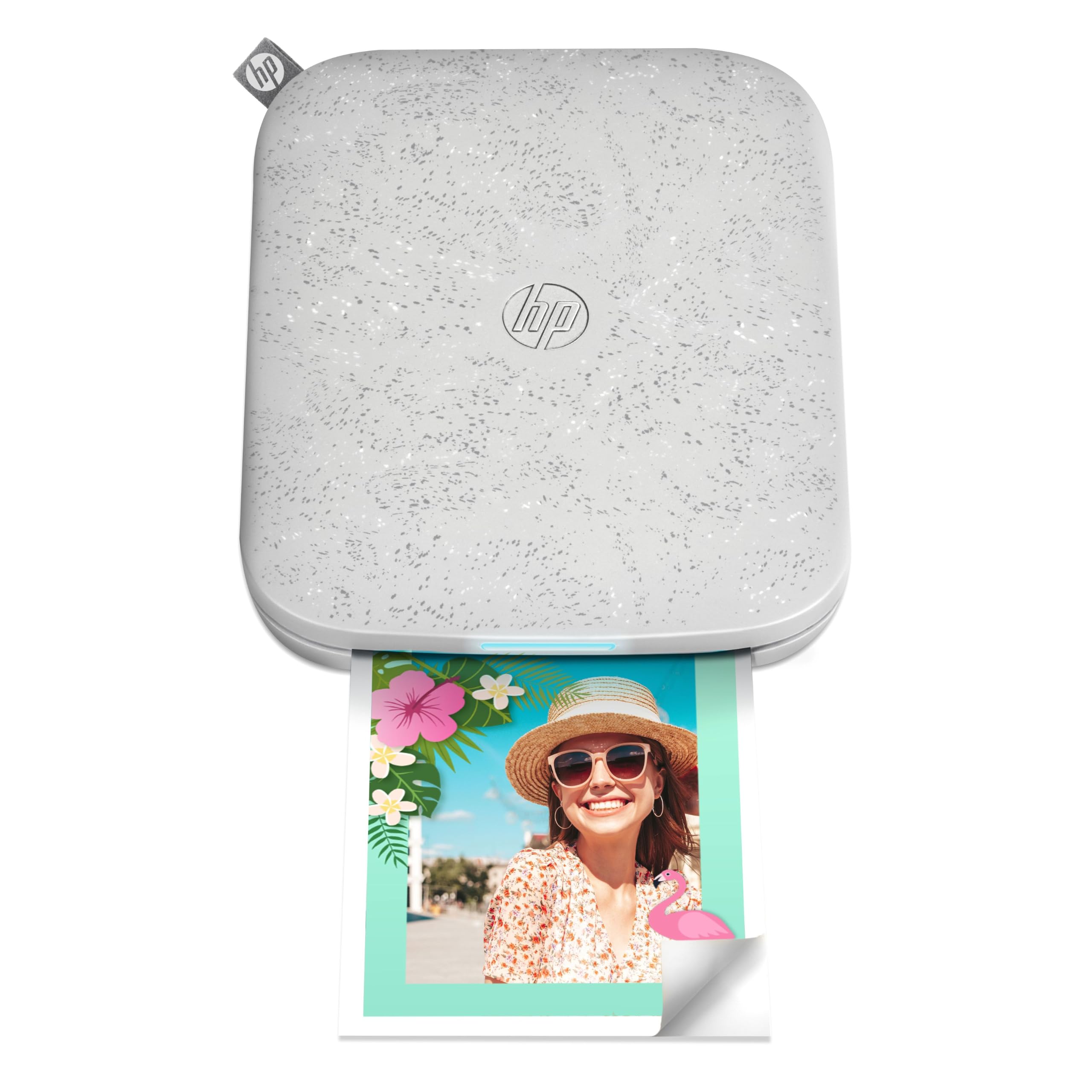
- Prints 3.5-by-4.25-inch photos on sticky-backed Zink paper.
- Connects to iOS or Android by Bluetooth and supports multiple users.
- The app adds stickers, borders, filters, and effects.
Best For: Scrapbookers who want larger sticky-backed prints from a phone-connected travel printer.
Liene Pearl N200 Pro
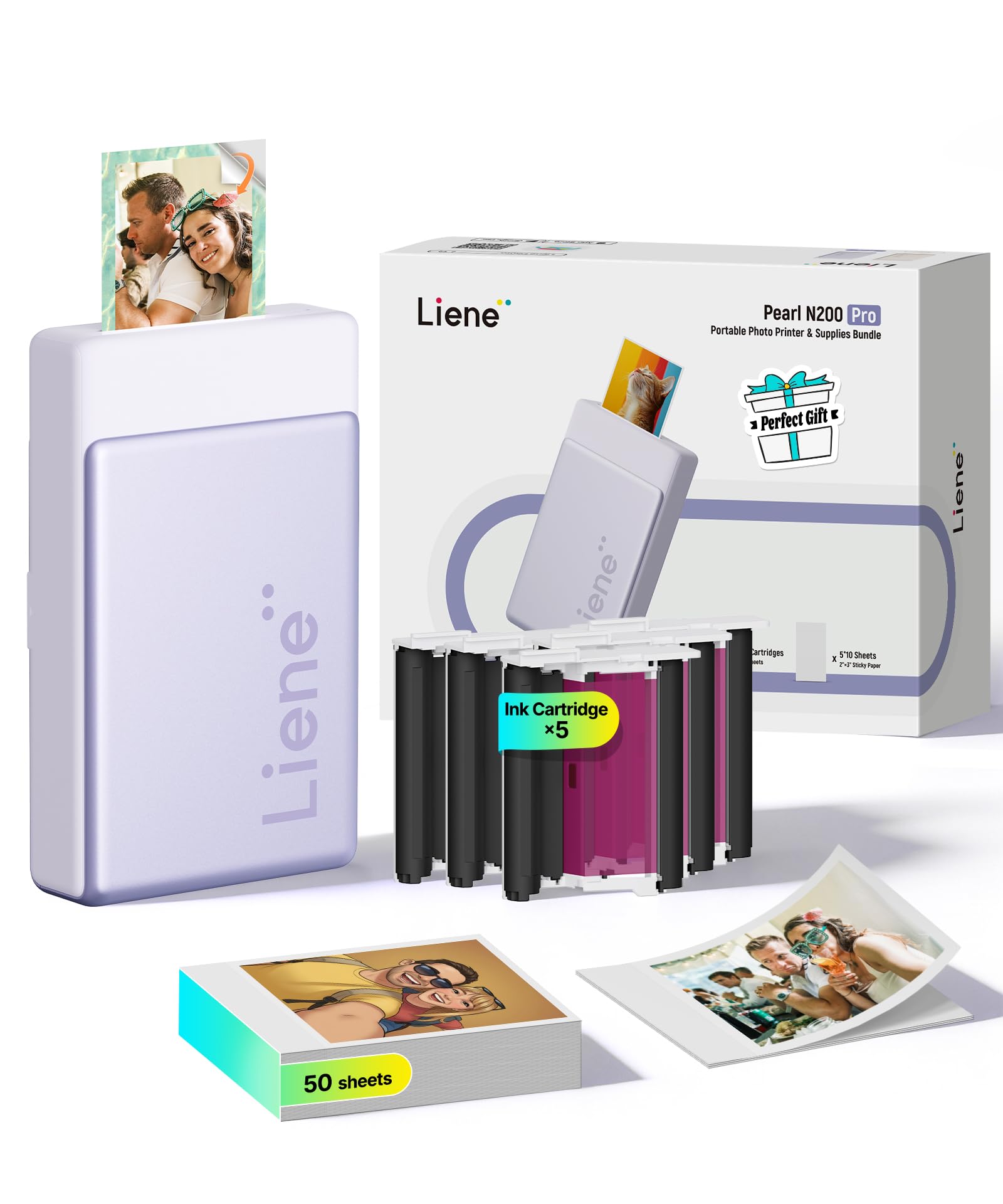
- Includes an InstaPic mode for shoot-and-print use.
- Supports Bluetooth pairing for multiple devices.
- Includes 50 sheets of adhesive paper and five cartridges.
Best For: Party hosts and travelers who want a compact printer with a built-in camera and one-touch print mode.
Portable Dye-Sublimation Prints
KODAK Mini 2 Retro 2x3 Portable Photo Printer, 38 Sheets, Bluetooth Smartphone Printer for iPhone & Android, Instant Color Prints, 4PASS Dye Sublimation, Yellow
The KODAK Mini 2 Retro uses Bluetooth and the KODAK Photo Printer app to print smartphone photos on the go. Its 4PASS dye-sublimation process lays down three color layers and adds a clear protective layer, making it a different kind of portable printer from pocket Zink models.
The prints are about credit-card size, and the included bundle has 38 sheets, four cartridges, a USB-C cable, and a user guide. That makes it useful for trips and journaling when you want a more traditional photo surface.
Check the print size and replacement supplies before choosing it over a sticker-printing model.
Best For: Travelers and scrapbookers who want laminated, credit-card-size prints and a starter supply of paper.
| Pros | Cons |
|---|---|
|
|
Choose the Mini 2 Retro if you want compact dye-sublimation prints and a starter supply in the box. Its credit-card-size output is suited to albums, wallets, and planners, while the protective layer is a useful distinction for keepsakes.
It does not make the larger prints some portable-capable printers offer. Before buying, confirm that its print size and cartridge-and-paper format suit your projects.
Pocket Zink Printer for Crafts
KODAK Step Instant Smartphone Photo Printer, Portable Mini Color Wireless Mobile Printer, Zink 2x3” (5.1x7.5 cm) Sticky-Back Photos, Bluetooth Compatible with iOS & Android Devices, Editing App, White
The KODAK Step turns smartphone images into 2-by-3-inch Zink prints with peel-and-stick backing. Its palm-sized body and rechargeable battery make it a natural fit for a travel journal, planner, or scrapbook.
The KODAK app adds filters, borders, stickers, text, and collage tools before printing. It connects to iOS and Android devices by Bluetooth or NFC, and the supplied starter pack gets you started.
As with other Zink printers here, the paper carries embedded dye crystals, so ongoing printing depends on compatible photo paper rather than ink cartridges.
Best For: Crafters and travelers who want pocket-size adhesive photos with phone-based editing.
| Pros | Cons |
|---|---|
|
|
Pick the Step if carrying a compact printer and decorating small adhesive prints matter more than making traditional photo-paper prints. NFC and Bluetooth offer two ways to connect, and the app has tools for journals and crafts.
The stated battery figure is up to 25 photos per charge, so consider how often you can recharge on longer outings. Check what is in the starter pack and the cost of compatible Zink refills.
50-Sheet Zink Starter Bundle
Liene Pearl K100 2x3” Photo Printer, Mini Instant Portable Color Picture Printer Bundle 50 Zink Adhesive Paper, Bluetooth 5.2 Compatible w/iOS & Android Small Phone Sticker for iPhone Smartphone White
The Liene Pearl K100 is a compact Bluetooth printer for 2-by-3-inch color photos. This bundle includes 50 sheets of adhesive Zink paper, so it begins with a larger paper supply than a basic starter pack.
It connects to iOS and Android phones without requiring Wi-Fi, and the sliding cover helps with loading paper. The app is required for printing and includes a print-head cleaning feature; the notes say a blue calibration card is needed for that process.
Check the bundle contents and refill format if you expect to print frequently.
Best For: Phone users who want a compact Zink printer bundled with extra adhesive paper for outings.
| Pros | Cons |
|---|---|
|
|
Choose this K100 bundle if you want a pocketable Zink printer and a clearly specified supply of adhesive paper. Bluetooth printing without Wi-Fi suits outings, though you must use the Liene app.
The cleaning feature may be useful if print artifacts appear, but it depends on a blue calibration card. Confirm the 2-by-3-inch sticker format meets your needs, since it is intended for small keepsakes rather than conventional framed prints.
Larger Zink Pocket Prints
HP Sprocket Select 2.3x3.4 Instant Photo Printer, Print Pictures on Zink Sticky-Backed Paper from Your iOS & Android Device, Portable Printer for Home Use and Travel, Eclipse
The HP Sprocket Select prints Zink photos from iOS or Android devices over Bluetooth. That slightly larger format gives phone photos more room than common pocket prints while keeping the printer portable for home use and travel.
Its sticky-backed paper avoids separate ink or ribbon replacements, and the HP app provides frames, filters, and custom sticker tools. The removable magnetic lid and rechargeable design add travel-friendly touches.
Check which Select paper is compatible and whether adhesive prints suit your display plans.
Best For: Travelers who want pocket portability but prefer prints larger than standard pocket stickers.
| Pros | Cons |
|---|---|
|
|
This Select model suits buyers who want a little more room for portraits and captions while keeping a pocket-friendly Zink workflow. Bluetooth support and the editing app make it straightforward to print customized adhesive photos from a phone.
The tradeoff is still the small sticker format, and this offer does not specify a paper quantity. Check the correct refill size and whether you want to buy paper separately before choosing it.
Shareable Prints for Groups
HP Sprocket Portable 2x3 Inch Instant Photo Printer (Blush Pink) Print Pictures on Zink Sticky-Backed Paper From Your iOS & Android Device
This blush-pink HP Sprocket prints 2-by-3-inch Zink photos from iOS and Android devices. It can accept print jobs from multiple connected devices, while a personalized LED indicates whose photo is printing, which can help at gatherings.
The HP Sprocket app supports custom albums and print decorations, and augmented-reality features show a virtual queue. The model comes with 10 sheets of peel-and-stick Zink paper.
Its smartphone-sized form is designed to travel in a pocket, purse, or backpack, though the small output is best for keepsakes and crafts rather than standard photo albums.
Best For: Friends and families who want a compact printer for passing around and sharing small prints.
| Pros | Cons |
|---|---|
|
|
Choose this Sprocket when shared phone access is more useful than a larger print size. The multi-device connection and LED indicator are features aimed at group printing, while the included paper lets you start without a separate pack.
Its 2-by-3-inch adhesive output is compact, so it works best for stickers and small mementos. Check charging expectations if you plan to use it at events, since the battery's print capacity is not specified.
Lightweight Bluetooth Sticker Printer
Liene Pearl K100 Photo Printer, 2x3” Mini Portable Instant Phone Printer 50 Zink Adhesive Paper, Bluetooth 5.2 Compatible w/iOS & Android, Small Color Picture Printer for iPhone Smartphone Green
This green Liene Pearl K100 combines a 2-by-3-inch Zink format with a body described as power-bank sized and weighing 0.4 pounds. Bluetooth 5.2 pairs it with iOS or Android phones, and a sliding cover is designed for easier paper loading.
The included 50 sheets of color paper have adhesive backing, and the notes say compatible black-and-white paper can also be tried. Printing goes through the Liene app, which includes a print-head cleaning feature.
It is a portable option for stickers and scrapbooks, but it is tied to a small paper format and a phone app workflow.
Best For: Phone users seeking a light, pocket-size printer for 2-by-3-inch adhesive photos.
| Pros | Cons |
|---|---|
|
|
This K100 variant fits buyers who want a light printer with adhesive paper included and are comfortable using a dedicated app. The 0.4-pound weight makes it an easy candidate for a day bag, and the 2-by-3-inch format suits stickers more than traditional prints.
It shares the app limitation and calibration-card requirement of the other K100 offer. Compare the bundles before buying, since their colors and included paper details differ.
Square Dye-Sublimation Prints
KODAK Mini 3 Retro 3x3 Portable Photo Printer, 4PASS, 38 Sheets, White | Bluetooth, iPhone & Android Smartphone Compatible, Smudge-Proof, Water-Resistant, Fade-Resistant
The KODAK Mini 3 Retro prints compact square photos using 4PASS dye sublimation. Each print gets three color layers and a clear protective lamination layer, and the printer connects to compatible iOS and Android devices through Bluetooth and the KODAK app.
It is designed for travel, parties, scrapbooks, and photo albums, with 38 sheets, four cartridges, a USB-C cable, and a user guide in the bundle. Square output gives layouts a different feel from rectangular snapshots.
Check that square prints are what your album or display calls for before selecting this over a rectangular-format model.
Best For: Scrapbookers who want portable square prints with a protective laminated finish.
| Pros | Cons |
|---|---|
|
|
Select the Mini 3 Retro if square prints suit your scrapbooks, album pages, or creative displays. It uses 4PASS dye-sublimation printing with a laminated finish, and its output shape is the key decision point.
The included 38 sheets and four cartridges create a useful starter bundle. Before buying, check whether you want square images or would rather choose a credit-card-size or rectangular format.
Larger Adhesive Prints
HP Sprocket 3x4 Instant Photo Printer – Wirelessly Print 3.5x4.25” Photos on Zink Paper from iOS & Android Devices
The HP Sprocket 3x4 produces 3.5-by-4.25-inch Zink photos, giving it a larger output format than pocket-size sticker printers. It connects to iOS and Android devices through Bluetooth and supports multiple users at once.
The HP Sprocket app provides stickers, borders, filters, and other effects before printing. Its travel-sized design is intended to fit into a bag or backpack.
This is a useful fit for photo walls, school lockers, and scrapbooks when adhesive-backed prints are wanted at a larger scale. Confirm that the specific 3x4 Zink paper is easy for you to source.
Best For: Scrapbookers who want larger sticky-backed prints from a phone-connected travel printer.
| Pros | Cons |
|---|---|
|
|
Consider the Sprocket 3x4 if small pocket prints feel too limiting but you still want adhesive paper and phone-based printing. Its larger format can stand out in a scrapbook or on a photo wall, and multiple users can connect.
The tradeoff is paper specificity: the printer uses a 3x4 Zink format, so check refill availability and cost. The included paper quantity is not specified in this offer.
Shoot-and-Print Pocket Option
Liene Pearl N200 Pro Portable Photo Printer, Instant Mini Picture Printer for iPhone Smartphone, Thermal Dye Sublimation, Bluetooth Sticker Printer 50 Sheets 2x3 Adhesive Paper & 5 Cartridges, Purple
The Liene Pearl N200 Pro combines a portable 2-by-3-inch dye-sublimation printer with a built-in CCD camera filter and InstaPic Print mode. That shoot-and-print flow can skip selecting and editing a phone image for spontaneous moments.
It also supports Bluetooth multi-device pairing, and the bundle includes 50 sheets of adhesive paper and five cartridges. The app adds frames, watermarks, timestamps, stickers, and AI photo tools.
Its capacity is rated at up to 27 stickers per full charge, so it suits shorter print sessions better than buyers expecting extended all-day output without recharging.
Best For: Party hosts and travelers who want a compact printer with a built-in camera and one-touch print mode.
| Pros | Cons |
|---|---|
|
|
Pick the N200 Pro if you want a pocket photo printer that can also capture and print a moment without first choosing an image from your phone. The app's creative tools and multi-device pairing make it a feature-rich option for parties.
Its rated per-charge output is a concrete limit to consider for longer events. Check the cartridge and adhesive paper refill format, and decide whether the built-in camera workflow is worth carrying a less minimal printer.
How to Choose Portable Photo Printers
How We Picked Portable Photo Printers
We prioritized candidates designed to print photos from phones while traveling, at gatherings, or away from a full-size home setup. That includes pocket Zink printers for adhesive snapshots, models with larger Zink formats, and compact dye-sublimation printers for laminated keepsakes.
We excluded products focused on monochrome labels or documents, desktop docking stations, and offers that duplicated the same manufacturer model under a different color or bundle.
We also considered the kind of printing workflow each product supports. Bluetooth or NFC phone connections, app editing, included starter paper, and a built-in camera or shared print queue can change how a portable printer fits a real outing.
Battery capacity and print format matter too: a lightweight sticker printer serves a different purpose from a printer that produces square or credit-card-size photos.
Comparing Portable Photo Printers
The biggest difference is the print process and resulting format. HP Sprocket and Kodak Step models use Zink paper for small adhesive-backed prints.
The HP Select is a little larger than a standard 2-by-3-inch output, while the Sprocket 3x4 produces a larger sticky-backed photo. The KODAK Mini 2 Retro and Mini 3 Retro instead use 4PASS dye sublimation with a laminated finish; one produces credit-card-size prints and the other square prints.
Bundles also vary in how quickly you can keep printing. Some models specify starter sheets and cartridges, while the HP Sprocket Select offer in this guide does not state the included paper quantity.
The Liene K100 offers include 50 sheets, and the KODAK Mini 2 and Mini 3 include 38 sheets plus cartridges. Compare the paper or cartridge type and what comes in the exact offer you are considering; a starter bundle is useful only if replacement supplies are easy to find.
| Product | Standout features | Best for |
|---|---|---|
| KODAK Mini 2 RetroCheck Price |
| Travelers and scrapbookers who want laminated, credit-card-size prints and a starter supply of paper. |
| KODAK Step Instant Photo PrinterCheck Price |
| Crafters and travelers who want pocket-size adhesive photos with phone-based editing. |
| Liene Pearl K100Check Price |
| Phone users who want a compact Zink printer bundled with extra adhesive paper for outings. |
| HP Sprocket SelectCheck Price |
| Travelers who want pocket portability but prefer prints larger than standard pocket stickers. |
| HP Sprocket 2x3 (Blush Pink)Check Price |
| Friends and families who want a compact printer for passing around and sharing small prints. |
| Liene Pearl K100 (Green)Check Price |
| Phone users seeking a light, pocket-size printer for 2-by-3-inch adhesive photos. |
| KODAK Mini 3 RetroCheck Price |
| Scrapbookers who want portable square prints with a protective laminated finish. |
| HP Sprocket 3x4Check Price |
| Scrapbookers who want larger sticky-backed prints from a phone-connected travel printer. |
| Liene Pearl N200 ProCheck Price |
| Party hosts and travelers who want a compact printer with a built-in camera and one-touch print mode. |
Choosing Print Size and Paper for Phone Photos
Start with the place the prints will go. Small 2-by-3-inch Zink photos are easy to stick into a journal, planner, or scrapbook.
The HP Sprocket Select provides a somewhat larger image while remaining a portable adhesive-print option. For more visible scrapbook pages or photo walls, the Sprocket 3x4 produces a larger sticky-backed print.
Square output from the KODAK Mini 3 Retro works well when you want a consistent square layout.
A different print size can change the crop as well as the appearance. Check whether your usual phone photos are portraits, landscapes, or square images, and whether you want adhesive backs.
Zink suits quick sticker-style keepsakes. Dye-sublimation models add a laminated finish and use a different paper-and-cartridge system, so confirm supply availability and replacement costs before choosing a printer for frequent photo projects.
Portable Photo Printers for Trips and Gatherings
For carrying in a pocket or small bag, look at the Step and the two Liene K100 options. The Step is described as palm-sized and includes a rechargeable battery rated for 25 photos per charge; one K100 offer is rated for 30 photos per charge, while the other gives a 0.4-pound weight.
The N200 Pro adds a built-in camera and shoot-and-print mode, but its battery figure is up to 27 stickers. These figures are product ratings, not a guarantee of how many prints you will get in every session.
At a group event, a shared print queue can be more useful than a marginal difference in size. The blush-pink HP Sprocket connects multiple devices and uses an LED to show whose image is printing.
The larger Sprocket 3x4 also supports multiple users, and the N200 Pro allows multi-device pairing. If the printer will be used away from home for hours, check its battery and plan for charging alongside the number of sheets or cartridges included.
Which Portable Photo Printer Fits Your Prints?
Choose the KODAK Mini 2 Retro for compact dye-sublimation prints with a protective laminated layer, or the Mini 3 Retro if square output fits your album pages. The Liene Pearl K100 is a practical match for buyers who want 2-by-3-inch adhesive photos with 50 sheets included.
Pick the KODAK Step for app-edited pocket prints, or the HP Sprocket in blush pink when several phones may send images to one shared queue.
If a larger sticky-backed photo matters, compare the HP Sprocket Select and Sprocket 3x4, and verify the compatible paper size before ordering. For a more immediate party workflow, the Liene Pearl N200 Pro combines a built-in camera with one-touch printing.
Think through where the prints will be used, what supplies you will need after the included pack, and whether app-only printing fits the phones you plan to use.